Created 23-02-08

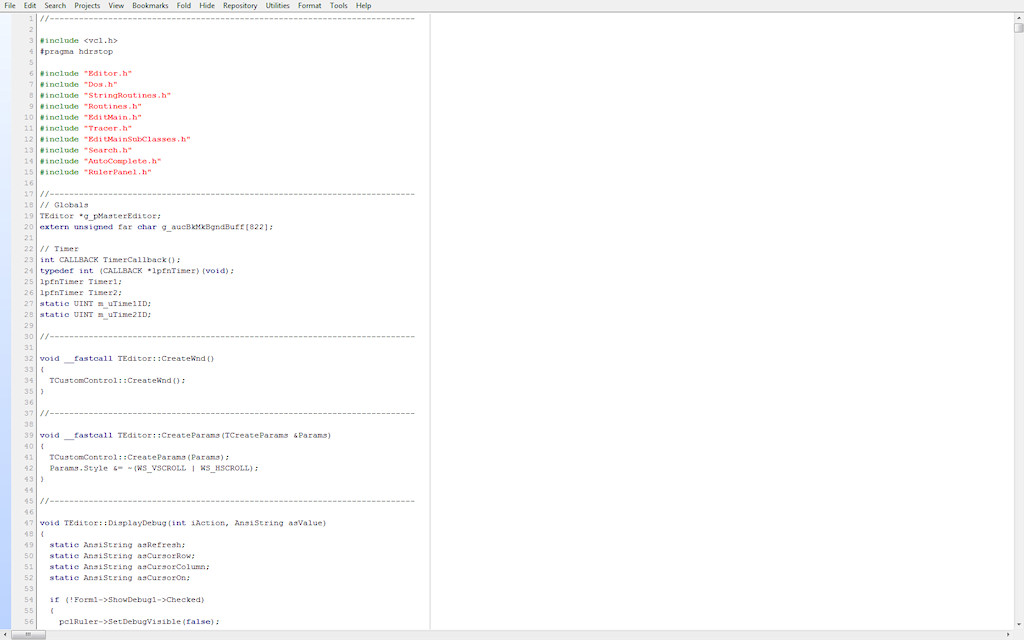
  This project was started as the freeware editor I had been using for about 3 years was a rough diamond. The owner of the
  product had not fixed any of the bugs I had reported since using it. The editor was growing in scope and new bugs
  were being introduced.

  I tried to sub class a Richedit class but could not gain enough control over the class.

  I then sub classed the Borland TCustomControl class defined as:
   • TCustomControl is the base class from which to derive windowed controls that require the support
     of a Canvas for drawing complex visual images.

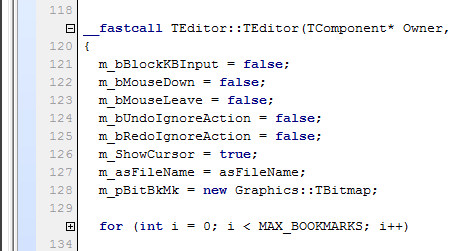
  class TEditor : public TCustomControl

  BEGIN_MESSAGE_MAP
    MESSAGE_HANDLER(WM_CHAR, TMessage, OnReceiveChar)
    MESSAGE_HANDLER(WM_PAINT, TWMDrawItem, EditorPaint)
    MESSAGE_HANDLER(WM_KEYUP, TMessage, EditorKeyUp)
    MESSAGE_HANDLER(WM_MOUSEWHEEL, TMessage, EditorMouseWheel)
    MESSAGE_HANDLER(WM_LBUTTONDOWN, TWMMouse, EditorMouseDown)
    MESSAGE_HANDLER(WM_LBUTTONUP, TWMMouse, EditorMouseUp)
    MESSAGE_HANDLER(WM_MOUSEMOVE, TWMMouse, EditorMouseMove)
    MESSAGE_HANDLER(WM_MOUSELEAVE, TWMMouse, EditorMouseLeave)
    MESSAGE_HANDLER(WM_LBUTTONDBLCLK, TWMMouse, EditorMouseDblClick)
    MESSAGE_HANDLER(WM_SIZE, TWMSize, EditorReSize)
    MESSAGE_HANDLER(WM_SETFOCUS, TWMSetFocus, EditorSetFocus)
    MESSAGE_HANDLER(WM_KILLFOCUS, TWMKillFocus, EditorKillFocus)
    MESSAGE_HANDLER(WM_VSCROLL, TMessage, EditorVScroll)
    MESSAGE_HANDLER(WM_HSCROLL, TMessage, EditorHScroll)
  END_MESSAGE_MAP(TCustomControl)
|
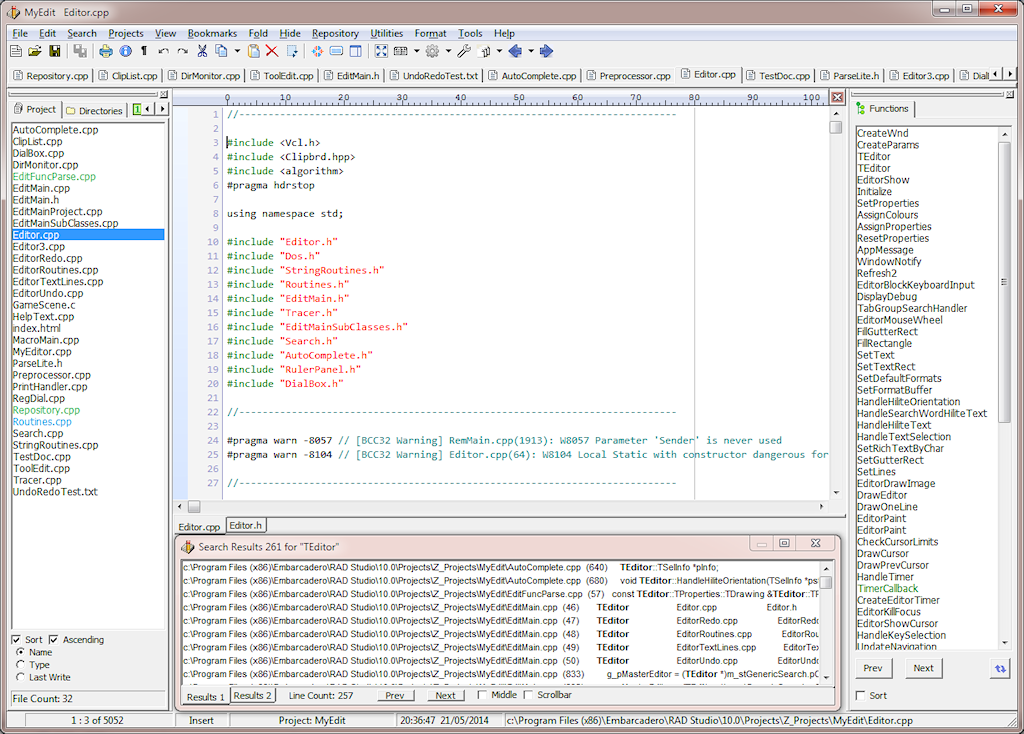
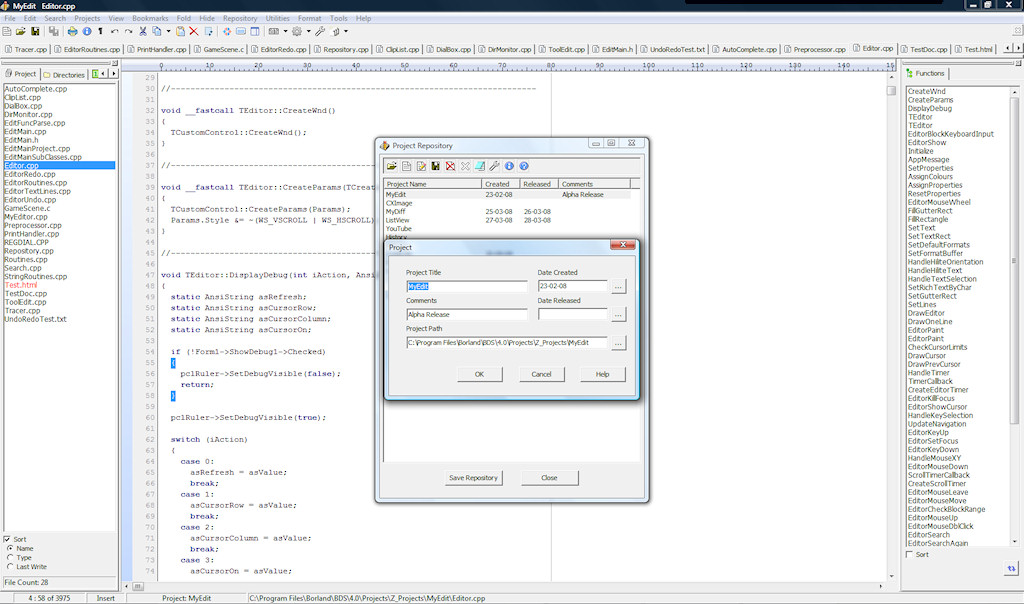
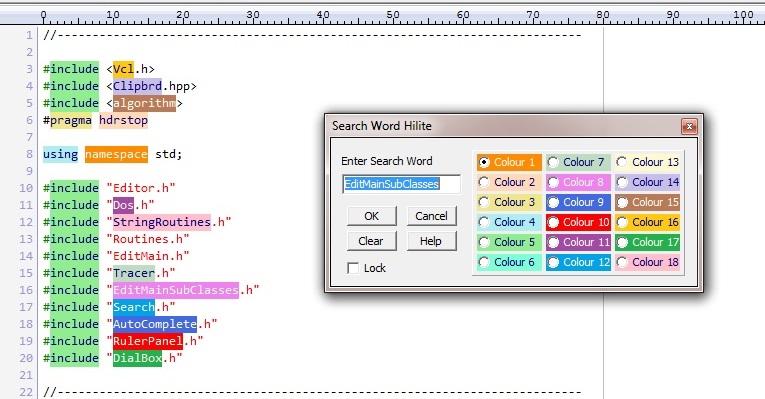
Features: Continued...
  •  Bracket Matching
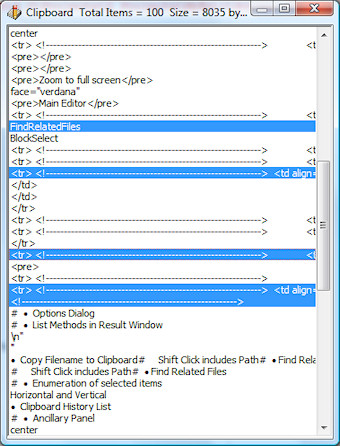
  •  Clipboard History List
  •  Copy Filename to Clipboard
     Shift Click includes Path
  •  Cursor beyond EOL and EOF
  •  Cursor through tabs
  •  Directory and File Listboxes
  •  Display all Functions in a new Document
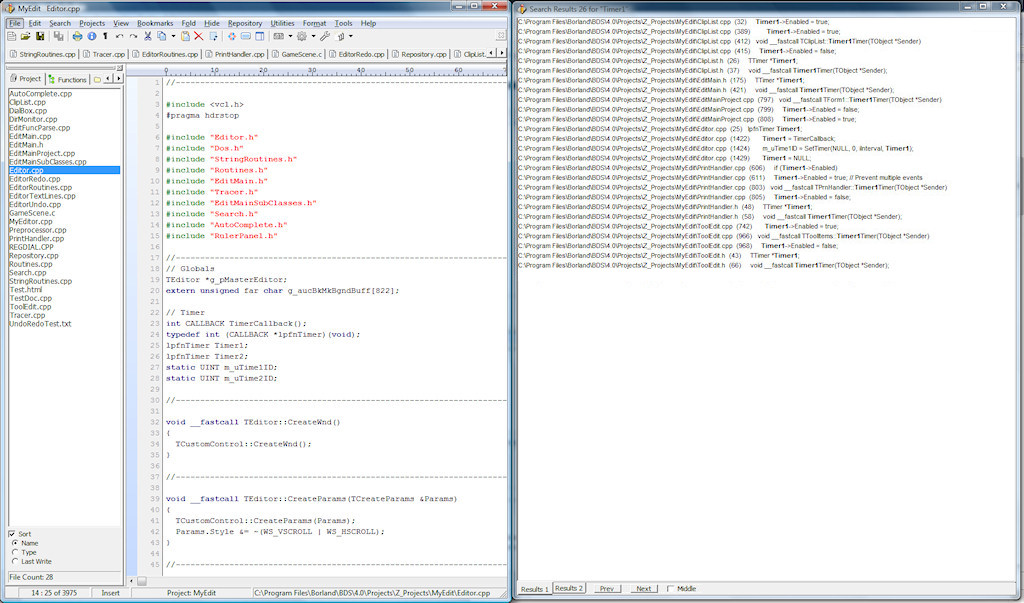
  •  Display all Functions in the Results Window
  •  Drag and Drop files
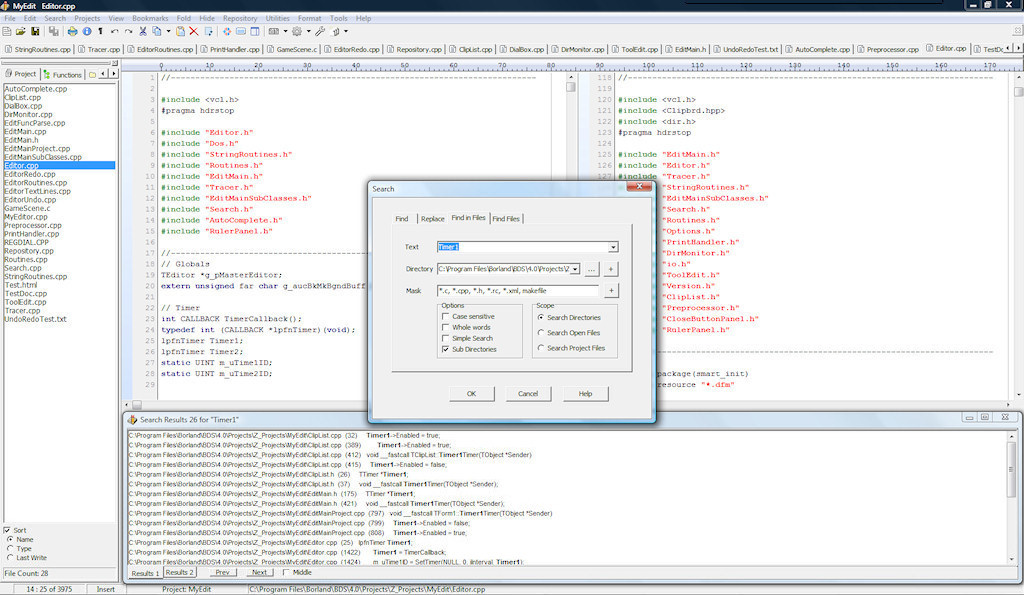
  •  Dual Editor Window View
     Horizontal and Vertical
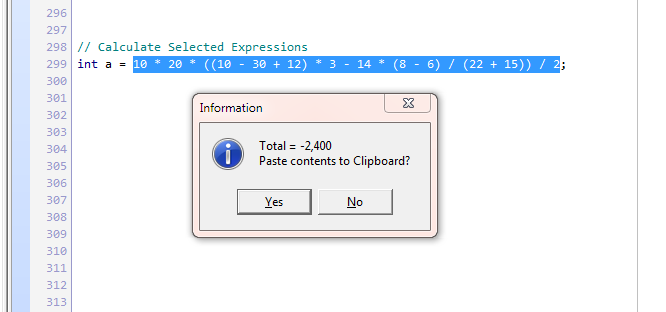
  •  Enumeration of selected items
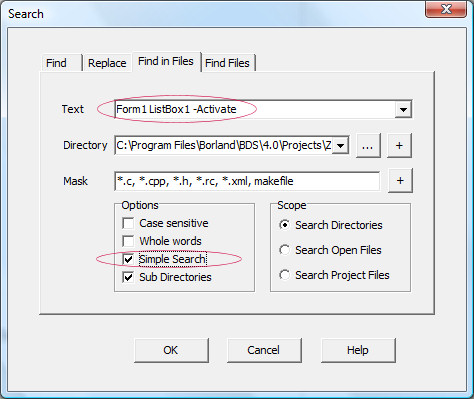
  •  Find results to Results Window
     Ctrl F7 find previous item
     Ctrl F8 find next item
  •  Function Parsing
  •  Get function name Ctrl H
  •  Get text at cursor when using Find Dialog Ctrl F
  •  Goto line Ctrl G
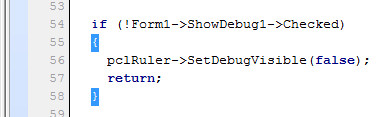
  •  Hiding of Tool Panel F2, Status Bar, Ruler, Tabs Control
  •  Information Dialog
  •  Insert Date
  •  Line Numbers
  •  Line Hiding
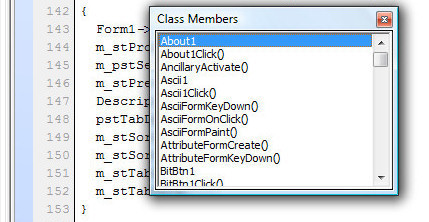
  •  List Methods in Result Window
  •  Method Folding
  •  Multiline Tab Control
  •  Multiple Results Lists
  •  Open Document change by external source monitoring
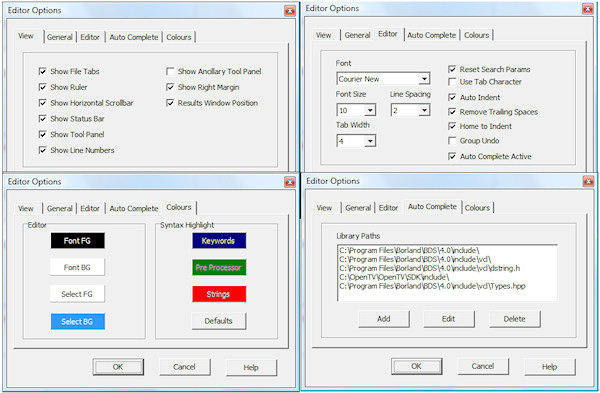
  •  Options Dialog
|